
How it works
How GoHoardly works
A quick guide to the buckets, the periods, and why your budget starts on payday.
How do you budget?
The 4 buckets
Instead of one big pot of money, GoHoardly splits your budget into four separate buckets. Each one has its own logic, its own limit, and its own purpose.
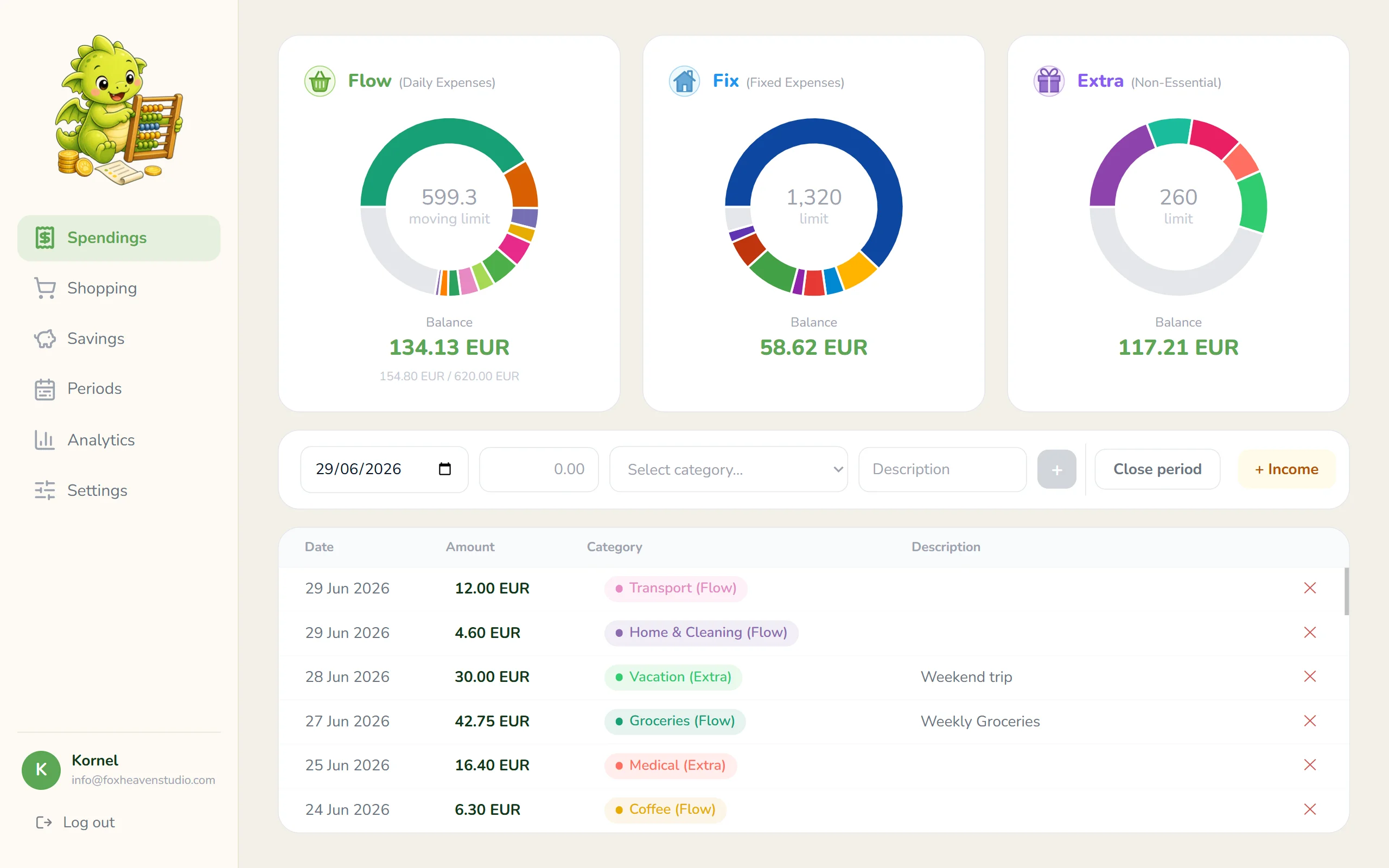
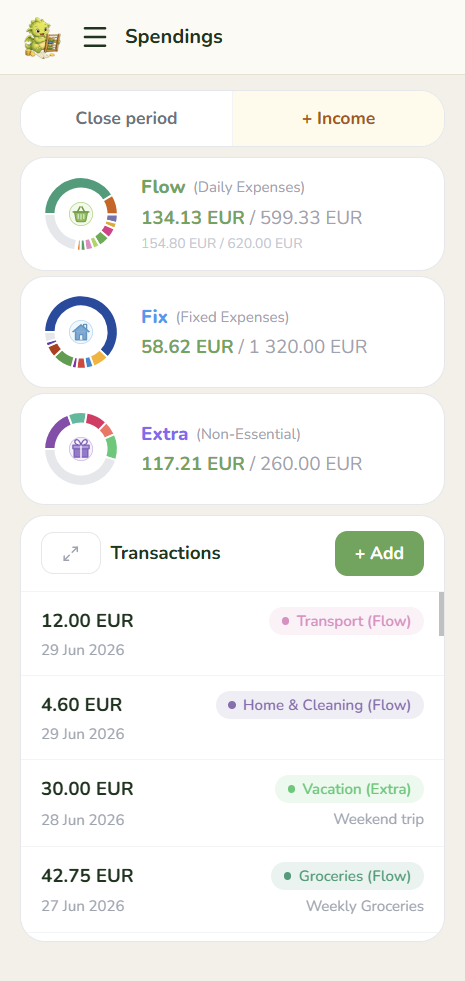
Flow: daily spending
Flow covers your everyday spending - groceries, coffee, lunch, transit. It's the bucket you'll interact with the most.
Instead of a fixed monthly limit you can burn through in the first week, Flow uses a time-proportional formula. Your available balance grows each day, based on how far you are into the period. Spend nothing on day 1 and your balance carries forward. By day 10 of a 30-day period, you've unlocked a third of your limit.
Overspend early and your balance goes negative. That's not a bug - it's the point. The number tells you exactly how far ahead of yourself you've gotten, and you can correct course before the period ends.
Fixed: recurring bills
Fixed is for the expenses you know are coming. Rent, phone bill, streaming subscriptions, gym membership - the costs that show up every period at roughly the same amount.
Unlike Flow, Fixed doesn't grow day by day. You set a limit at the start of the period and log against it as the bills arrive. At any point you can see how much of your Fixed budget you've already used and how much is still untouched.
Keeping these separate from your daily spending matters. Without a dedicated bucket, a rent payment and a coffee show up side by side in your history - and your daily balance looks catastrophically wrong every time a big bill lands. Fixed isolates those costs so Flow stays clean and readable.
Extra: flexible and carries over
Extra is for discretionary spending - things you want but don't strictly need. A new piece of clothing, a gadget, a weekend trip, a concert ticket. The kind of purchase you make when you feel like you can afford it.
What makes Extra special is the carryover. When you close a period, GoHoardly looks at your combined balance across Flow, Fixed, and Extra - how much you had in total versus how much you actually spent. That remainder gets carried into the next period's Extra. So if you lived within your means this period, you start the next one with a bigger playground.
Think of Extra as your financial slack. It's not savings - you're meant to spend it. But if you've been disciplined in previous periods, you'll have more room to treat yourself on something bigger without guilt. And if last period was expensive, the carryover will be smaller - a natural, automatic signal to take it easy.
There's no manual calculation needed. Close the period, and the number is already there waiting for you.
Savings: your hoard, your goals
Savings is the fourth bucket, and it works differently from the other three. You don't spend from it during the period - it's money you're setting aside on purpose, every cycle.
When you set up your budget, you decide how much of your income goes into Savings each period. When you close a period, that amount is logged automatically. No manual entry, no forgetting. It's just done.
What you do with your savings is up to you. GoHoardly lets you create named goals - a vacation, an emergency fund, a new laptop - and allocate your savings balance toward them. Each goal tracks its own progress separately, so you always know how close you are to each one.
Savings never participates in the carryover calculation. Whatever you put aside stays put aside. It won't quietly disappear into next month's Extra if you had a rough period.
Pay-cycle period
Periods
A period is one budget cycle. It starts on your payday and ends when you decide to close it. No forced calendar boundaries.
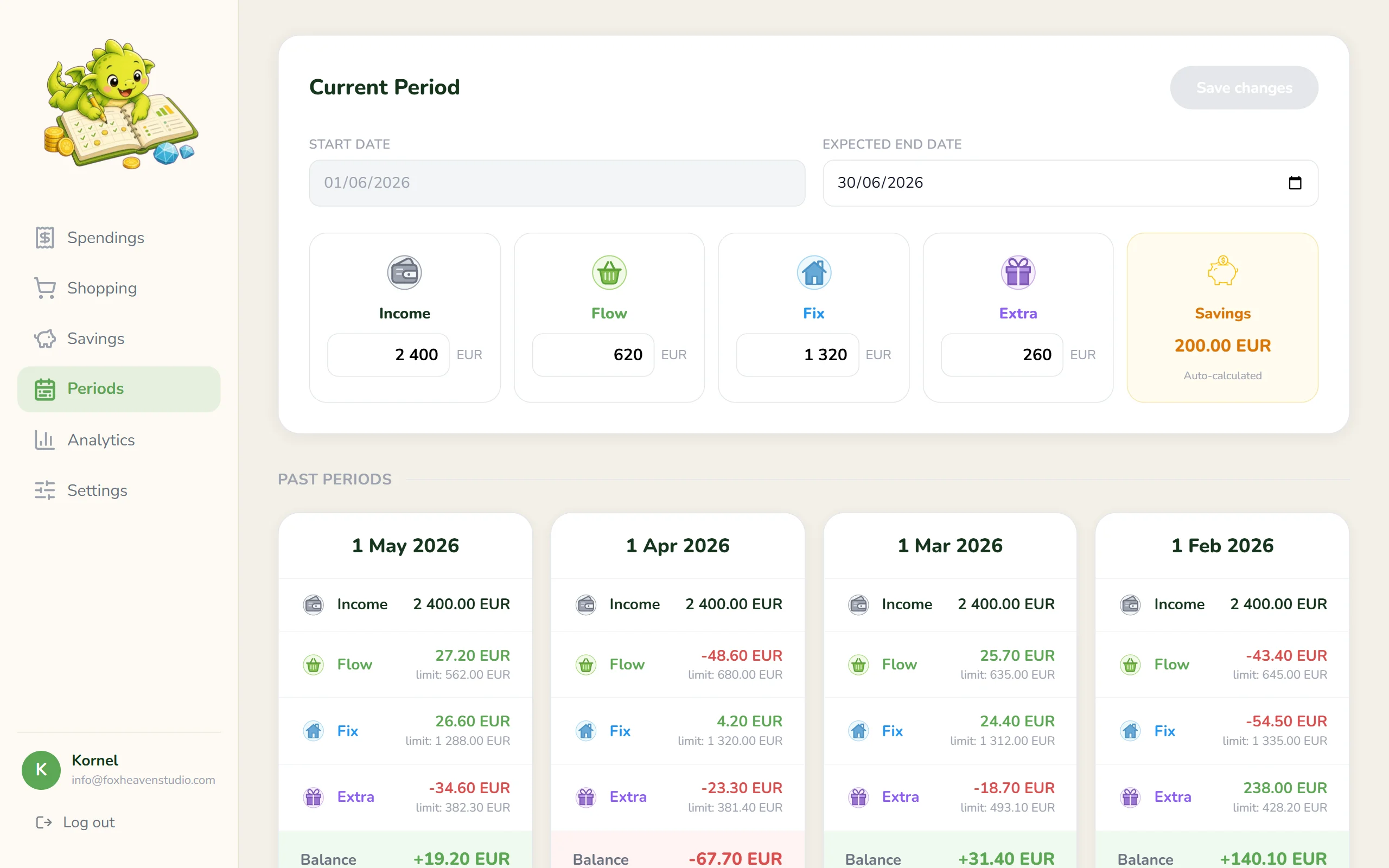
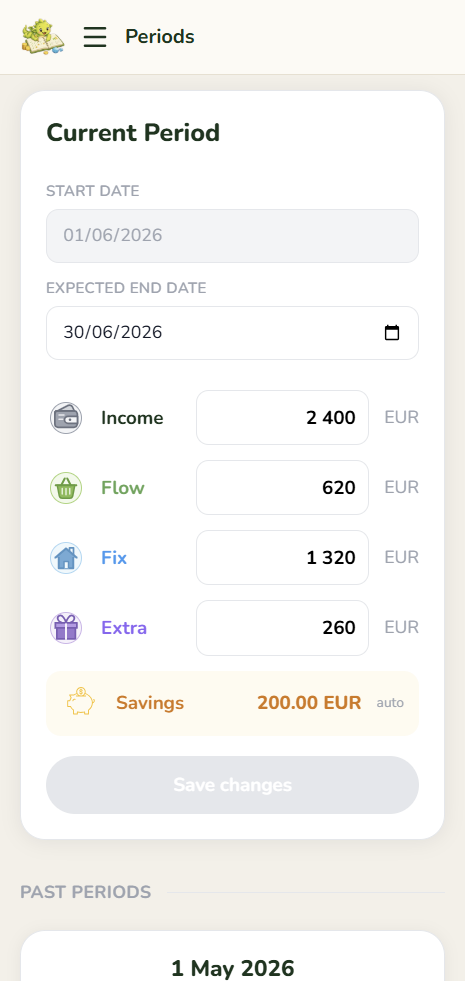
The paycheck month
Most budgeting apps reset on the 1st of every month. That's a completely arbitrary date that has nothing to do with when your money actually arrives.
If you get paid on the 10th, the first part of every calendar month is a strange limbo: your budget has technically reset, but last month's paycheck is running out and the new one hasn't landed yet. You're making spending decisions based on a boundary that doesn't match your financial reality.
GoHoardly replaces the calendar month with a pay-cycle period. Your budget starts on the day you get paid - not the 1st, not the last Monday of the month, not some arbitrary reset. The day your money arrives is the day your new period begins.
This one change makes everything else fall into place. Your available balance reflects what you actually have. Your spending limits reset when your income resets. There's no mental gymnastics trying to figure out whether you're in "last month's budget" or "this month's budget."
Calendar month
Jan
Feb
Budget resets 9 days before your money arrives. Every month.
Pay cycle
Jan
Feb
Period starts Jan 10, ends Feb 9. The calendar boundary doesn't matter.
Closing a period
Closing a period is a deliberate action. You don't wait for the calendar - you close when your paycheck arrives. That moment is when the current cycle ends and the next one begins.
When you tap "Close period," the app records everything: how much you spent in each bucket, what's left over, and what gets carried forward. The combined remainder from Flow, Fixed, and Extra becomes the starting carryover of your new Extra budget. Your savings for the period are logged automatically. A fresh period opens, starting today.
The whole process takes a few seconds. What you get in return is a clean slate - with memory. The new period knows exactly how the last one went. If you were disciplined, it shows up as extra breathing room. If you overspent, the carryover will be smaller, and the new period starts a little tighter.
Nothing resets to zero. Everything carries meaning forward.
Be honest:
Do you know where your money
went last month?
Find out. Your next paycheck deserves a plan.
I need to know